
We're going to show you how to increase or decrease the size of your drawer cabinet face heights to meet your custom requirements.
Changing Heights
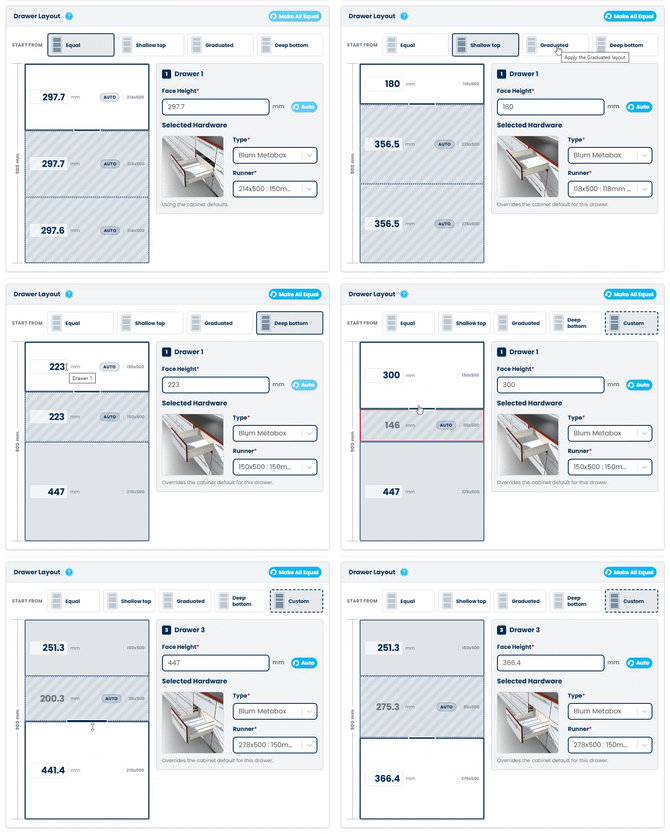
By default, the cabinet will have all drawers spaced evenly according to the total cabinet height.
Choose from other popular presets like Shallow Top, Graduated, or Deep Bottom, and watch your preview update in real time with the new dimensions.
Need something custom? Type an exact height for any drawer, or simply click and drag to adjust the cabinet to your space.
Realtime Changes
The change in face height might mean the previously selected drawer runner is no longer suitable. The system will automatically update to use the best match for your specifications.
Adjusting Hardware
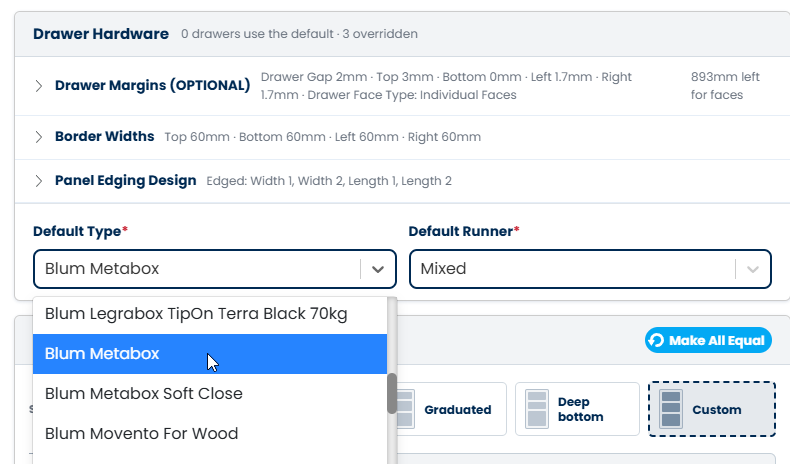
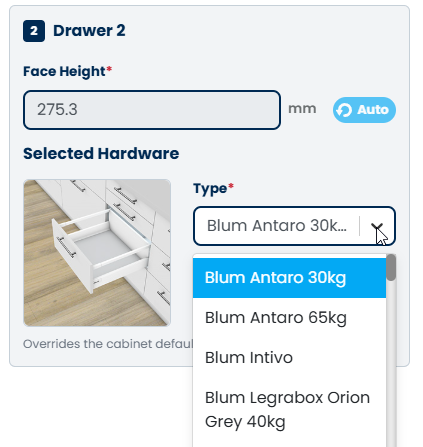
Set the default drawer runner for all drawers using the dropdown at the top of the editor. To customise hardware for a specific drawer, click it in the preview to change its runner and hardware type.